Block it out
Stage decks, walls, risers and straight truss with parametric lengths. Hang fixtures from the GDTF Share and patch them as you go. The panels stay out of the way and the viewport gets the space.
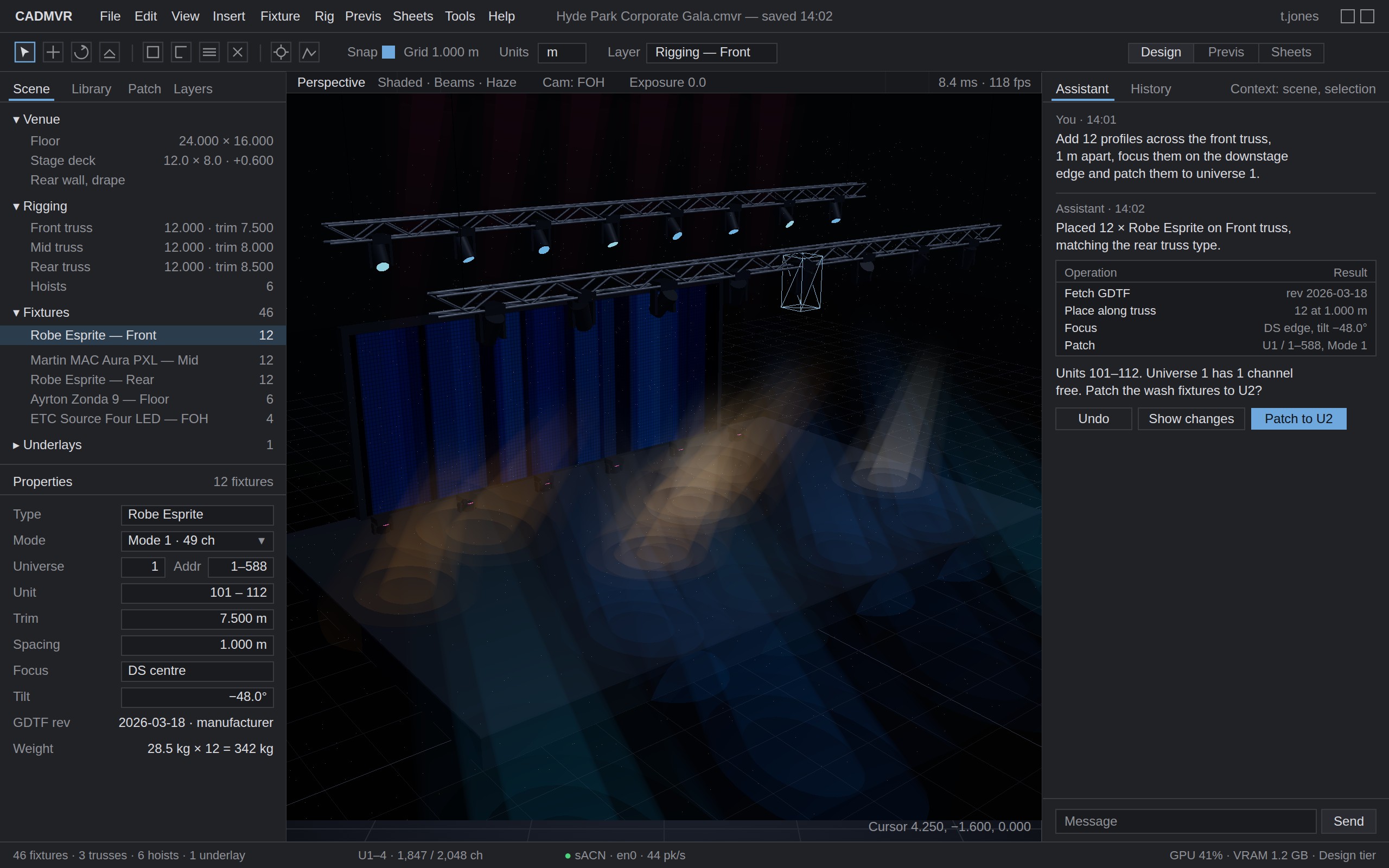
CADMVR is a Windows application for the early part of a lighting job. Block out the stage and truss, hang real fixtures from the GDTF Share, light it, look at it, and send a clean MVR to whichever tool finishes the job.
In development for Windows 10 and 11. First alpha planned for 2027.
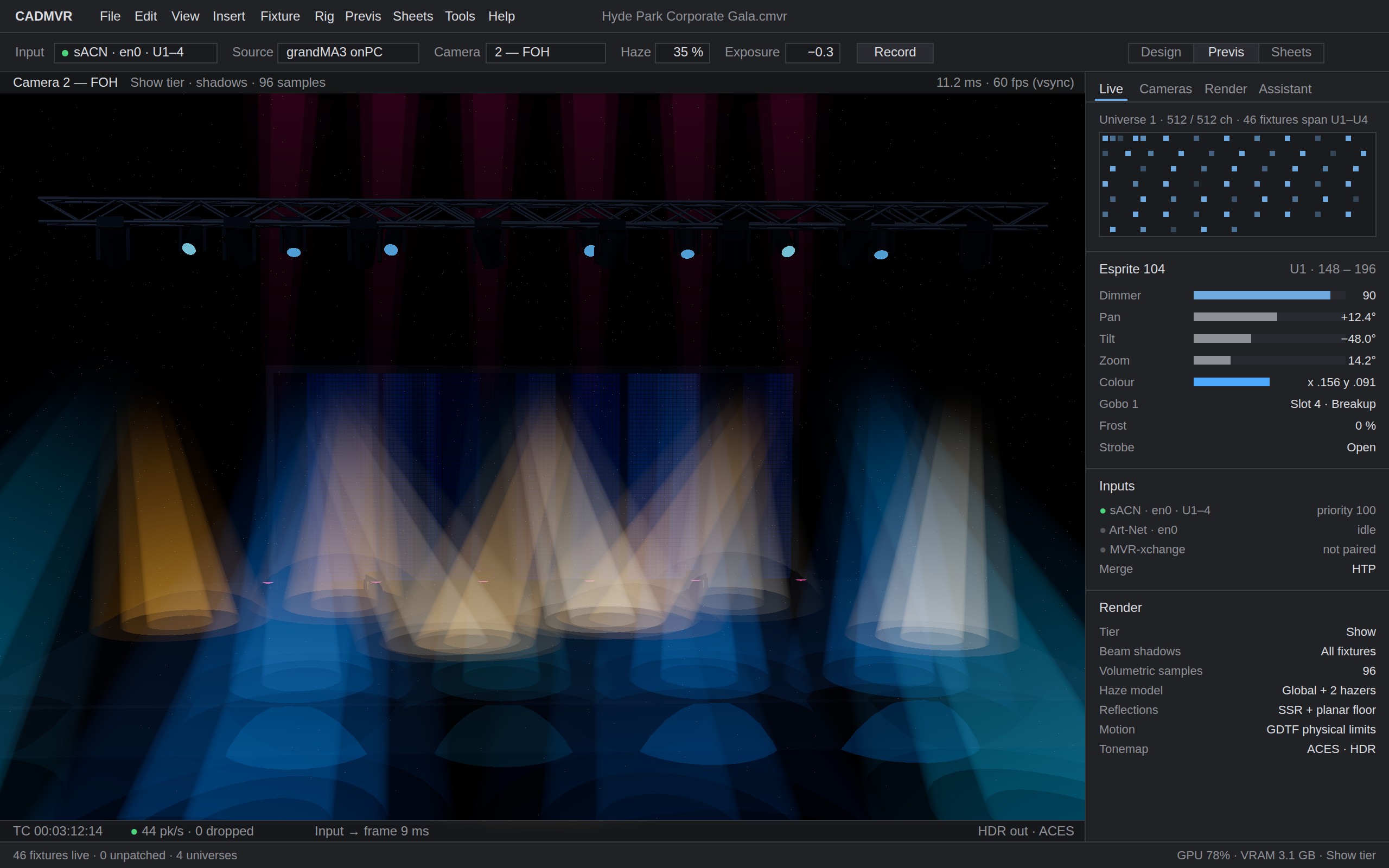
Concept render of the previs workspace. The interface is the design target; the rig in the viewport is an indicative render.
Most of a lighting design happens before anyone opens the CAD package: the venue plan arrives, someone has an idea, and you need to see it and show it before it is worth drawing properly. That stage usually happens in a sketchbook, a spreadsheet and a few late nights in a visualiser that was built for the finished show.
CADMVR is built for that stage. It is quick to block out a rig, quick to light it, and quick to get a picture and a plot in front of someone. When the job is real, the rig leaves as a standard MVR with the fixture files embedded, and opens in Vectorworks, grandMA3, Depence or Capture as you built it.
It is not a replacement for those tools. They do the plot of record, the rigging calculations and the photoreal show file. CADMVR does the hour before them, faster.
Five workspaces, one model. These are the concept renders the app is being built to.
Stage decks, walls, risers and straight truss with parametric lengths. Hang fixtures from the GDTF Share and patch them as you go. The panels stay out of the way and the viewport gets the space.
Drop in the PDF the venue sent. CADMVR reads the drawing, proposes trusses and positions, and shows you what it based that on. Nothing is placed until you say so.

Connect the console over sACN or Art-Net and the rig responds within a frame. Beams, haze, gobos and colour come from each fixture’s own GDTF data, so what you see is what the fixture does.
Plot, fixture schedule and patch list come from the same model and stay in step with it. Symbols from GDTF with a USITT fallback, labels and legend generated, PDF and SVG out.

Sign in once and the catalogue is indexed locally, refreshed every fifteen minutes and searchable offline. Find a fixture by manufacturer, name, mode or revision and place it.

CADMVR is in development. The fixture library, GDTF loading and the native viewport are working; modelling, previs and the paperwork come next, in that order. The first alpha is planned for 2027 for a small group of designers at a founder price of £50 a month, and 1.0 follows at £100 a month with Studio and Education plans. Pricing in full.
If you would like to be part of that, or just want to know when there is something to try, leave your address below.